YouTube Portlet
From Sense/Net Wiki
- 100%
- 6.0
- Enterprise
- Community
Planned
Overview
YouTube Portlet can embed and play videos from YouTube.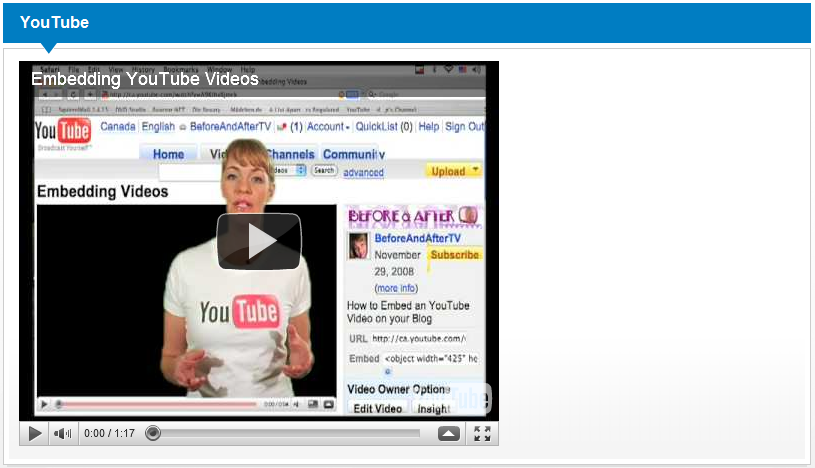
Details
Properties
User group informations
for End users
How to use
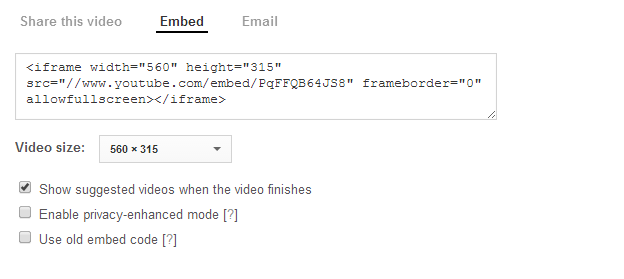
Go to the YouTube then select the video which you want to embed to your site. Use the <Embed> button to get the embed code then copy it to the clipboard. Both the new and the old embed code and even a simple share link (e.g. http://youtu.be/_k7MhEit0Vk) could be used.
Go back to your portal and click on the Edit action of the YouTube Portlet and paste the embed code to YouTube Object.
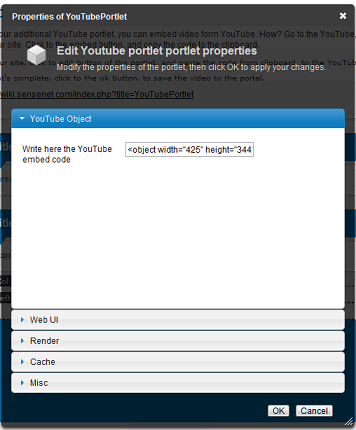
Click Ok to save and that's it.
