Tagging for Endusers
Overview
In the portal contents can be set as taggable. If it's set, as a user you can add tags on these contents.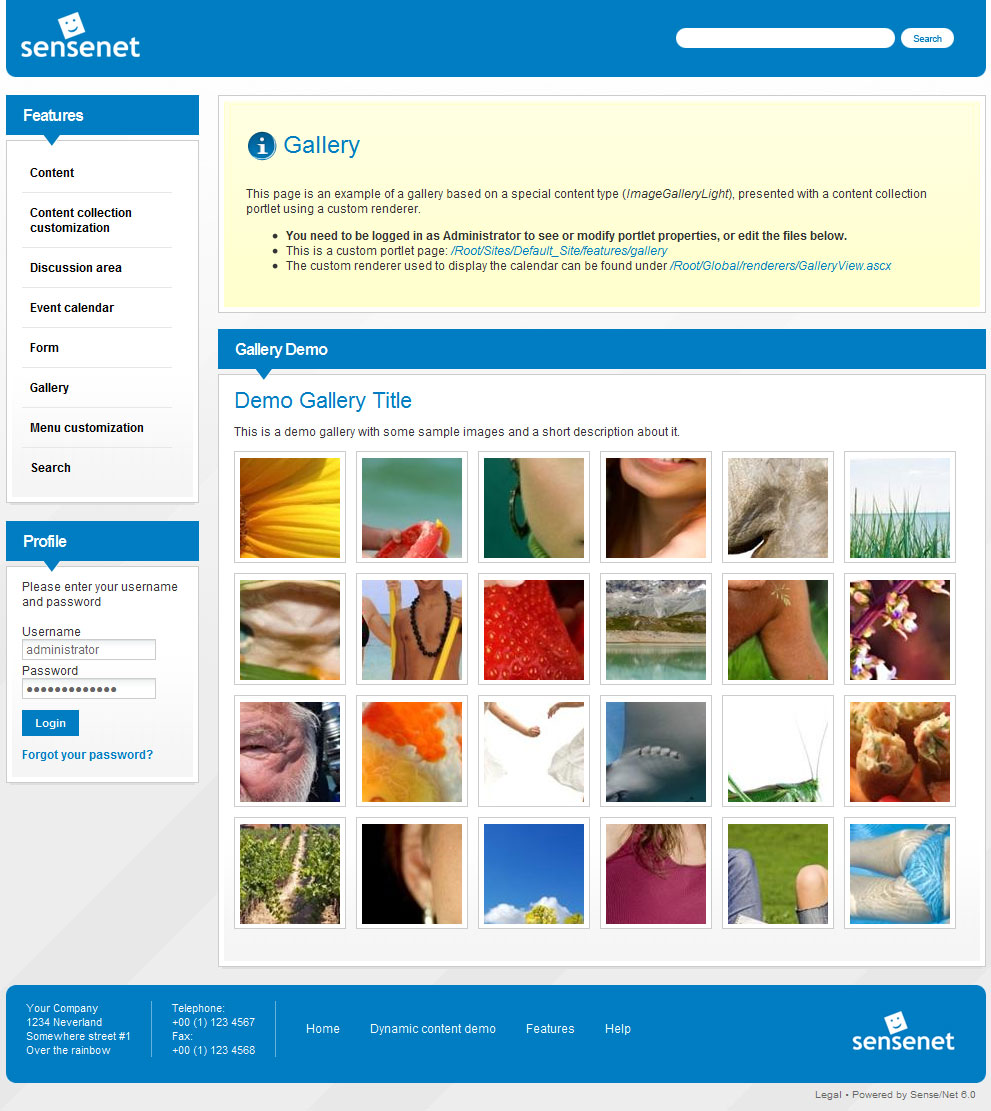
Details
View tags
In case of a tagged content you should see a control like this:

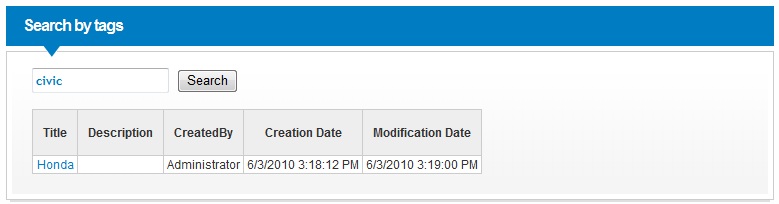
If you click on a link of a tag you will be redirected to a search page with result of contents containing the corresponding tag.
 (FIXME)
Add new tag
If you have permissions to modify tags on the corresponding content you should see a control like the following:
File:Example.jpg (FIXME)
Just type tags you want to add separating by spaces and save content. (FIXME) There is a hint functionality to determine existing tags in the system.
Blacklisted tags
System administrators can add taggs to blacklist. If you want to add a blacklisted tag to a content you will be warned.
Any other allowed tags will be saved.
Search by tags
The portal has functionality for searching contents by tags. It looks like this:

Just type the wanted expression(s) into the textbox and click Search button and you will see all contents containing the given expression(s). There is a hint functionality to determine existing tags in the system.
Related links
- Tag (Content Type)
- Tagging
- Tagging for Portal Builders
- Tagging for Developers
- Tagging for System operators

