Approval workflow sample
- 100%
- 6.0
- Enterprise
- Community
Planned
Overview
The Sample approval workflow lets users send their documents for approval to the responsible person. On this page you can learn the steps of the process and the participating users and business entities.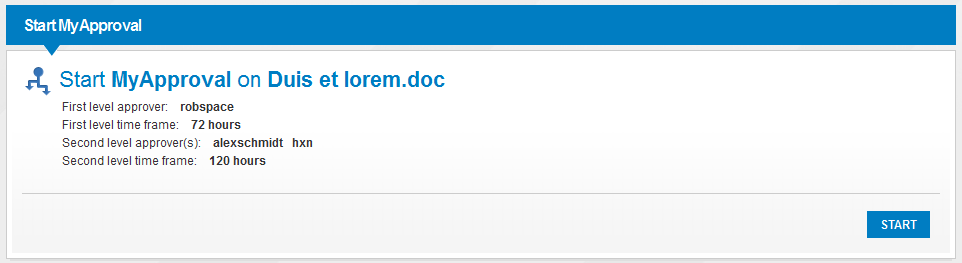
For more information about workflows please check the main Workflow article.
Details
Approval is a simple content workflow that is related to documents and Content Lists. Users can start the workflow only if it is assigned to a content list (e.g. a Document Library).
The document should be in Pending for approval state - otherwise the workflow cannot be started on it. See the Versioning and approval article for more information about how a content can become pending.
The following sections explain what happens if a user has sent a document for approval.
First level approver
First level approver is a user chosen by the content list administrator. He/She will receive a task that contains a link for the pending document. When the workflow was assigned to the content list, a time frame was also chosen that states how much time will the first level approver have to decide about the document.
Approve
If the approver decides to approve the document (clicks on the Approve button on the task) the workflow ends here. The document will be approved and no other task will be performed. One possibility for extending the workflow is to send a message here to the original author of the document about the outcome.
Reject
If the approver rejects the document the workflow also ends. The document will be transitioned to a Rejected state and can be edited again to improve it.
Time elapses
If the approver does not decide in the given time frame, the task will disappear from the task list and he won't be able to perform it. The workflow continues with creating few more tasks if there are any second level approvers given. Each of them will receive a task stating that there is a document pending for approval.
Second level approvers
Every second level approver can approve or reject the document. If any of them (even if the first) rejects it, the workflow ends, the tasks disappear and the document will be rejected.
If all the second level approvers approved the document, the workflow ends.
Time elapses
This sample workflow is designed as all the second level approvers should approve the document. It is possible that the time frame set for the second level approvers elapses before all of them acted. The workflow than removes the tasks and automatically approves the document.
