Root Console
From Sense/Net Wiki
- 60%
- 6.0
- Enterprise
- Community
Planned
Contents |
Overview
The Root Console lets you access all the major administrative functions of the software, so the learning curve of the system is less steep. You can access it on http://localhost/Root  .
.
List of functions
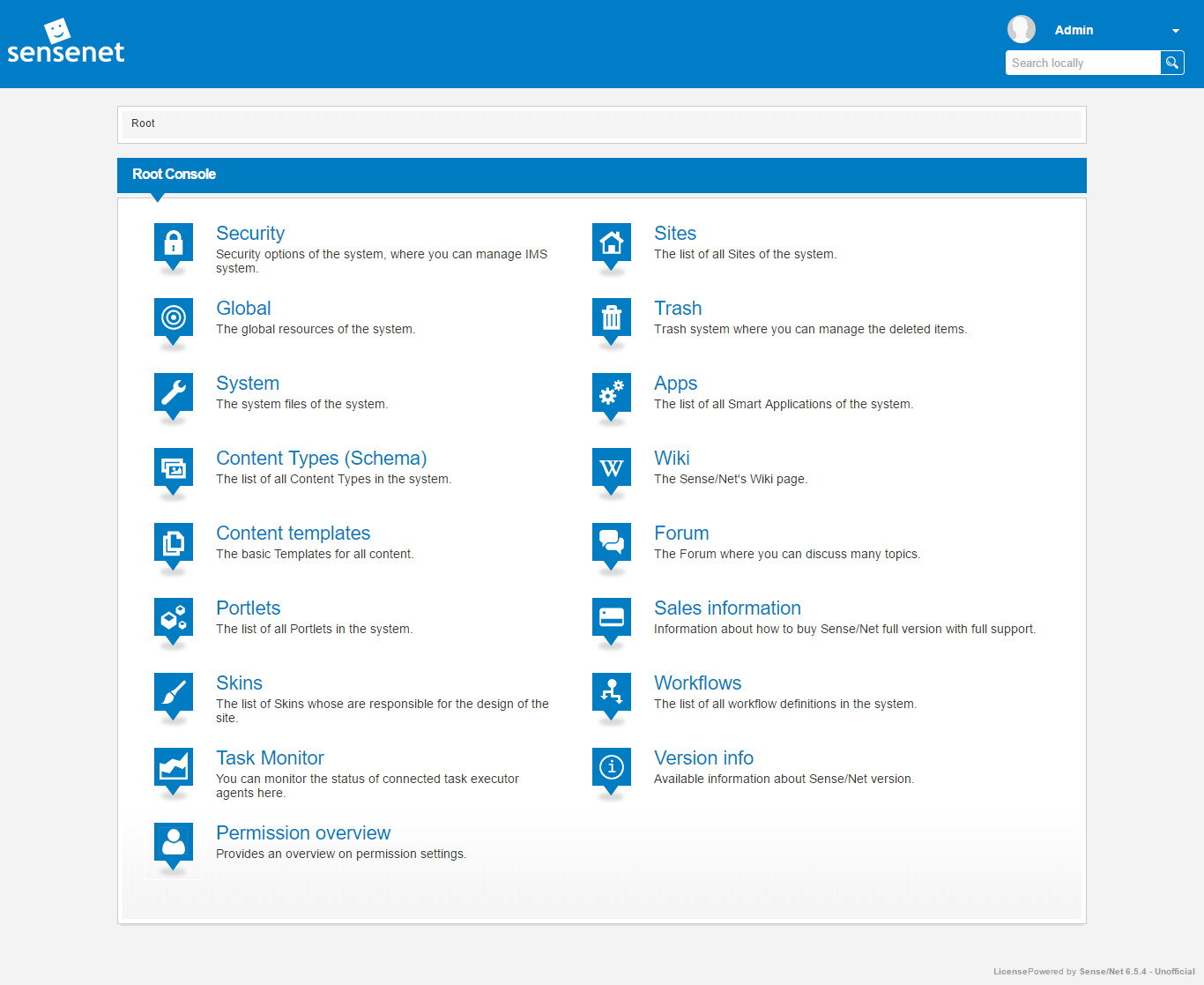
- Security - There you can access the security options of the system, where you can manage IMS system.
- Global - There you can find the global resources of the system.
- System - There you can find the system files.
- Content Types - There is a list of all Content Types in the system.
- Content Templates - There are basic templates for all contents.
- Portlets - There is a list of all portlets in the system.
- Skins - There are all the files which are responsible for the looks of the contents.
- Task Monitor - You can monitor the status of connected task executor agents here.
- Permission Overview - Provides an overview on permission settings.
- Sites - There is a list of all sites of the system.
- Trash - There you can access the Trash system, where you can manage the deleted items.
- Apps - There is a list of all Smart Applications of the system.
- Wiki - There you can access the Sense/Net's Wiki page.
- Forum - There you can access the Forum, where you can discuss many topics.
- Sales Information - (in evaluation edition) There are lots of information about how to buy Sense/Net full version, with full support.
- Workflows - leads to the system folder in the Content Repository that contains all the installed workflows available in the system.
- Version info - (from version 6.4.1) displays all the information related to the currently installed version of both the Sense/Net ECM core product and the available applications.
