How to create or modify a Form
- 100%
- 6.0
- Enterprise
- Community
Planned
Overview
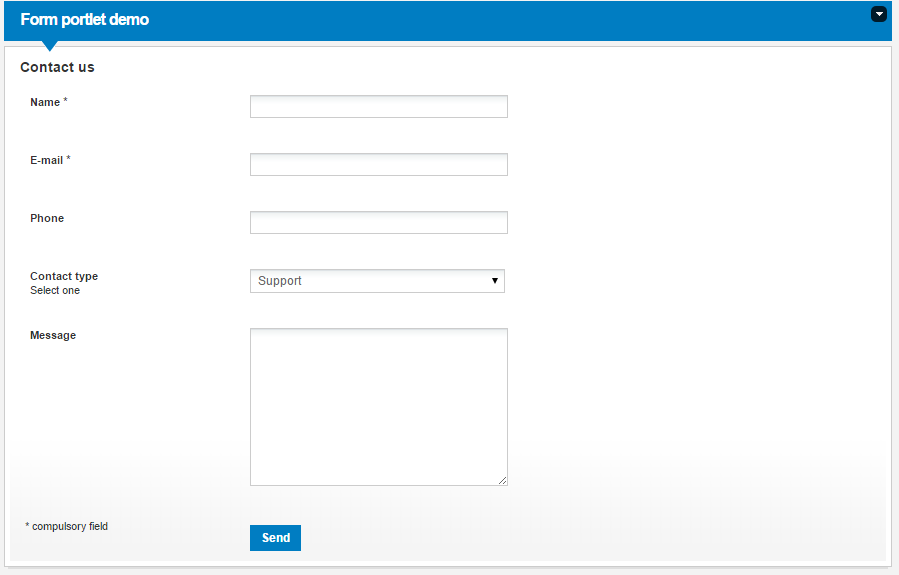
Forms provide possibility to collect information from users. Forms consist of field elements, contain a submit button and can give a message to the users after filling it out.
Forms are Content Types like Articles or Folders, so you can add a new one as you add other types, or you can list the submitted ones.
Modify an existing form
You can add new fields to any existing Form.
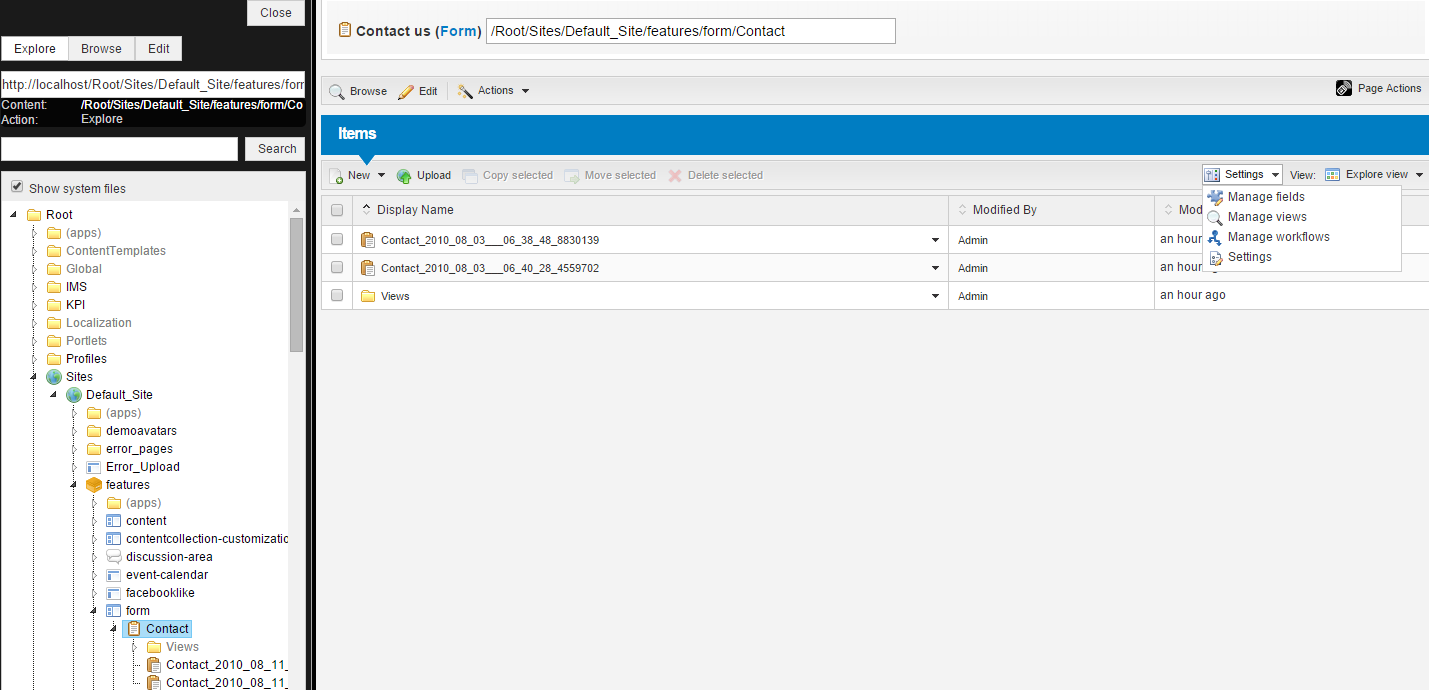
To do so, select the form you wish to modify (for example the built-in Contact form under Default_Site/features/form), click on Settings on the right and select Manage fields from the drop-down list.
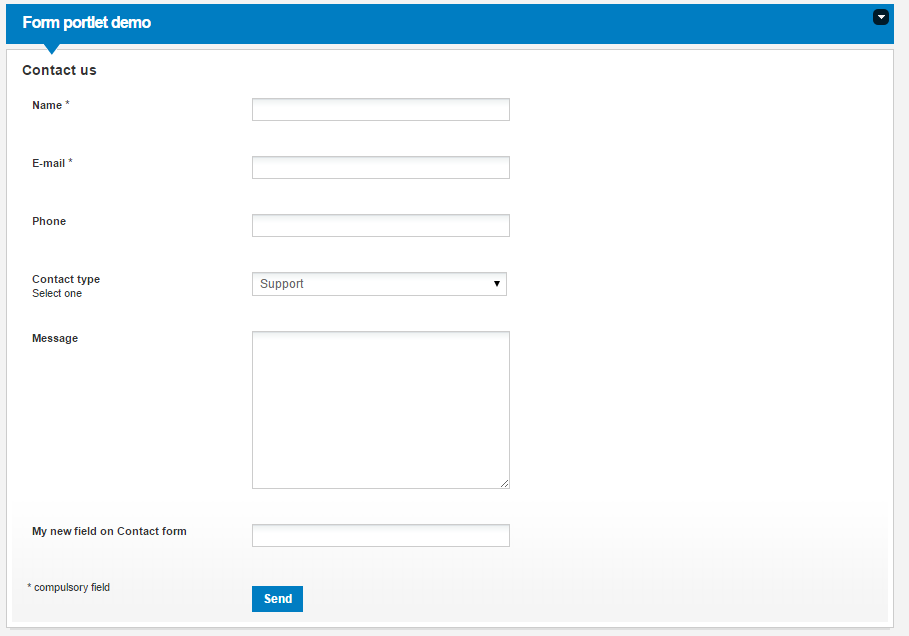
After adding, deleting or modifying fields, you can see the changes on every Form Portlet bound to this form.
Create your own form
Forms are Content Types in the system, so you can add a new one to your site as you add other type of contents.
You can set the fields of your new Form as it is described in the previous section.
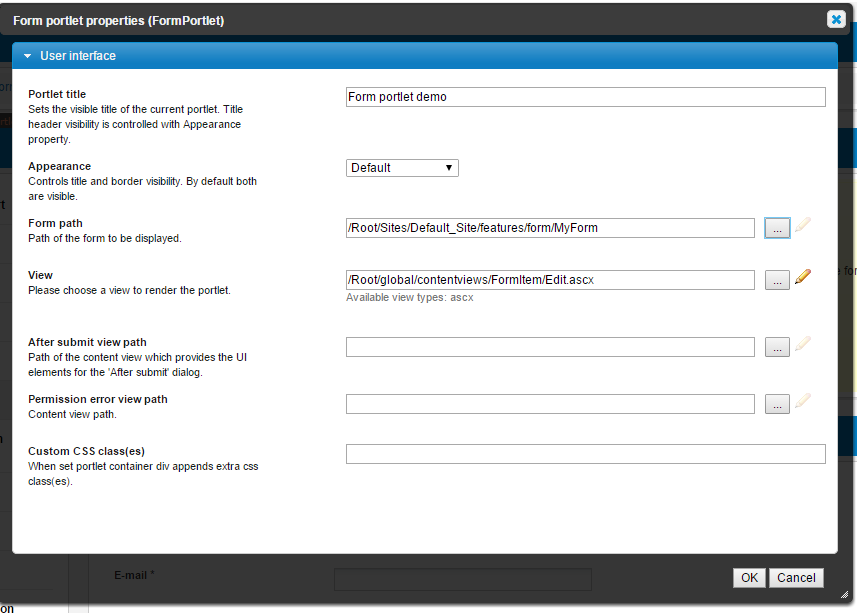
After you costumized your Form, you should display it in a Form Portlet. Create a new Form Portlet on your page and set at least two properties:
- Set Form path to the path of your form
- Set View to /Root/global/contentviews/FormItem/Edit.ascx
If you want to display the list of submitted forms, add a new Content List Portlet and bind it to your form.

Related links
References
There are no external references for this article.
